



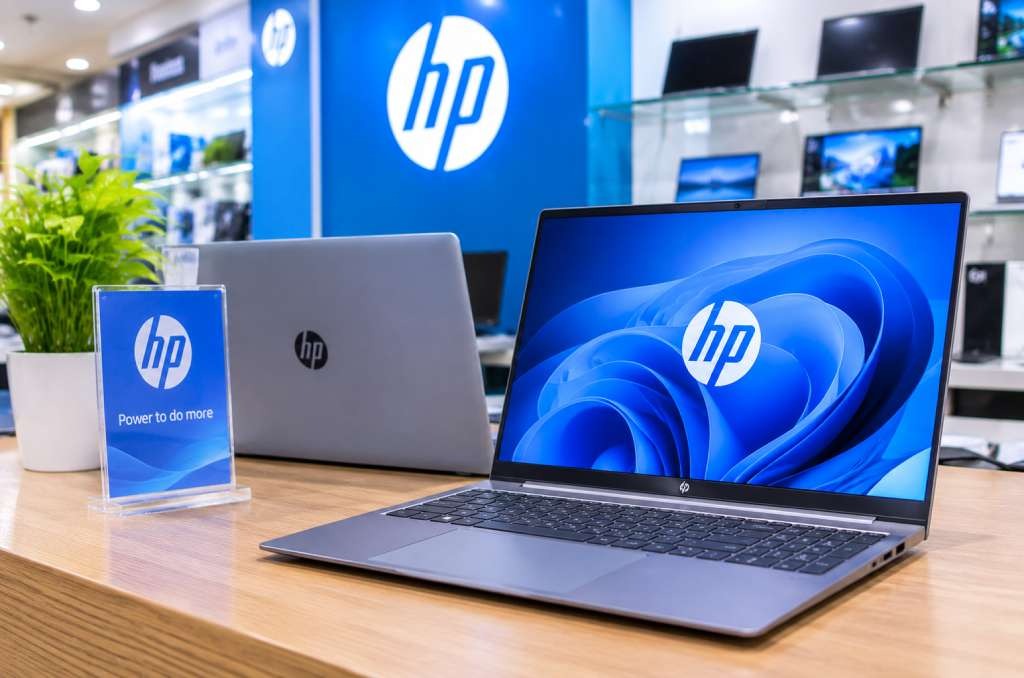
Selecting the right hardware for your business requires balancing daily job demands with your IT budget. Rather than taking a one-size-fits-all approach, companies must evaluate specific role requirements, from lightweight laptops for remote sales teams to high-powered workstations for graphic designers.
By understanding key specifications like RAM, processor speed, and build quality, decision-makers can stretch their technology budget further without compromising team productivity.
Whether you are reviewing local market options like the HP laptop price in Bangladesh or planning a bulk office upgrade, matching hardware directly to operational needs ensures long-term value, lowers maintenance costs, and keeps your workforce running smoothly.
What Tech Specs Do Different Workplace Roles Really Need?
Choosing the right laptop depends on your daily job tasks, such as typing documents, designing graphics, or working on the go. Office staff need basic processors and memory, while designers need strong graphics cards and fast chips. Match the hardware specs directly to what your team member does every day to keep work moving quickly.
Not all office jobs are the same. A manager who travels needs a light machine with a long battery life. An accountant needs a clear screen and a number pad. A video editor needs raw power so their computer does not crash while saving big files.
Think of a computer's memory (RAM) like a desk. A small desk holds a notebook and a pen. A big desk holds maps, books, and five folders at once. If your staff opens lots of web tabs and apps at once, they need a bigger desk, at least 16GB of RAM.
Here is how common workplace roles break down:
Road Warriors & Sales Teams: They need light laptops, tough cases, and batteries that last all day without a plug.
Administrative & Office Staff: They need simple machines with comfortable keyboards for writing emails and building spreadsheets.
Designers & Engineers: They need strong processors, bright high-resolution screens, and dedicated graphics cards.
Customer Support: They need basic, affordable desktop computers or laptops that connect easily to cloud software.
How Do You Match Business Hardware to Your Budget?
You can stretch your company budget by avoiding over-powered machines for basic tasks and focusing on total long-term value. Investing in reliable mid-range devices keeps maintenance costs low and stops computers from slowing down after just one year of use.
Buying company tech is not about picking the most expensive item on the shelf. It is about getting the best value for your hard-earned money. If an employee only uses web browsers and text docs, buying them a high-end gaming laptop is like buying a race car just to drive down the driveway to get the mail.
On the flip side, buying the cheapest computer available can hurt your business later. Super cheap machines break faster, lag during video calls, and need to be replaced sooner. Aim for the sweet spot in the middle.
Look for brands that offer strong build quality and easy repair options. Many growing companies check price guides and local market rates, like looking up the HP laptop price in bangladesh, to see how far their hardware budget can stretch.
Finding a sweet spot between price and durability saves you from buying new gear every single year.
Quick Comparison: Computing Needs by Job Type
Different roles require vastly different hardware configurations. Before purchasing tech for your workplace, use this quick overview to align device specifications directly with each job type's responsibilities.
Job Role | Recommended Device Type | Key Hardware Focus | Ideal Screen Size |
Sales & Remote Staff | Lightweight Laptop | Long battery life, lightweight | 13 to 14 inches |
General Office Work | Standard Laptop or Mini PC | 16GB RAM, reliable Wi-Fi | 15.6 inches |
Graphic & Video Design | High-Power Workstation | Powerful graphics card, fast CPU | 15 to 17 inches (High Res) |
Data & Finance | Desktop or Large Laptop | Fast processor, number keypad | 15.6 to 27 inches (Dual Monitor) |
Easy Steps to Buy the Right Business Tech Today
Ready to refresh your team's hardware? Follow these simple steps before you spend a single dollar:
Ask your team what frustrates them. Find out if their current computers lag, run out of battery, or have screens that are too small.
Group your employees into 2 or 3 buckets. Separate heavy users (designers/coders) from light users (writers/support staff).
Set a clear budget per bucket. Allocate more funds for roles that drive direct product creation and less for standard tasks.
Check for warranty and support plans. Make sure your devices come with quick repair service so work does not stop if a machine breaks.
Standardize your choices. Buy the same model for people in the same role. This makes setup and troubleshooting much easier for your team.
Empower Your Workplace with the Right Tools
Picking the right business tech does not have to be scary or complicated.
When you treat computing devices like tools in a toolbox, the right choices become clear. Give your team the exact gear they need, nothing less, and nothing unnecessarily extra.
By matching hardware to real daily habits, you save money, protect your company budget, and keep your employees happy and productive.
Take a look at your team's current setup today and see where a simple tech upgrade can make the biggest difference!